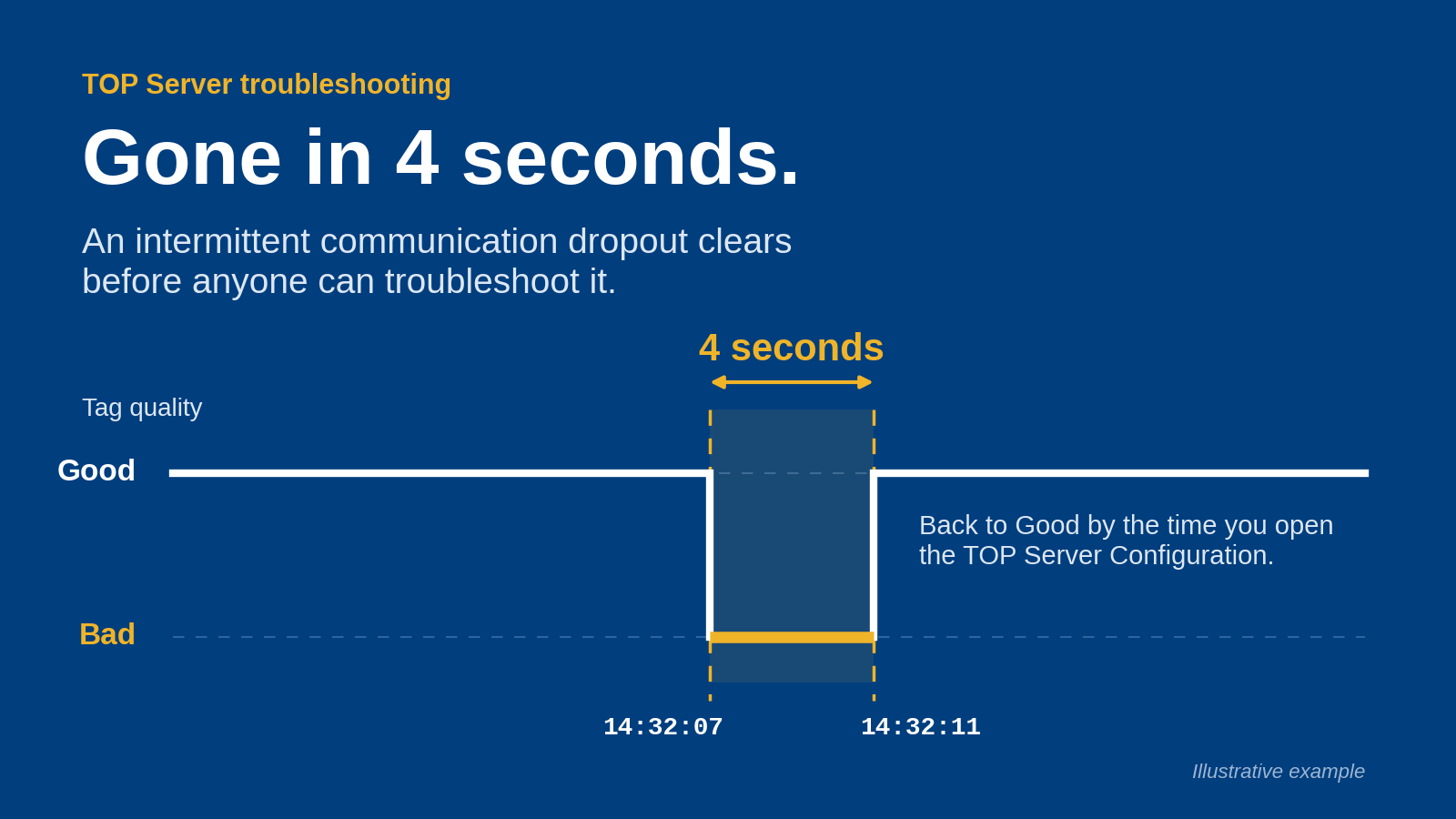
OPC Router runs as a Windows service, so it does not need a logged-in user session, and it does not need a dedicated server. This page covers what that means for your deployment in 2026 and where the limits sit.
TL;DR
- Yes: OPC Router can run as a Windows service, starting at boot with no user logged in.
- A dedicated server is not required; a Windows machine you already manage can host it.
- Run it on a server-class or virtualized host when uptime, patching and security policy demand it.
- Size the host from your connection count and data volume, not from the product alone.
Why this matters
Plant teams often assume a data-routing layer means buying new server hardware. That assumption delays projects. The real question is whether the host is stable, patched and reachable by the systems OPC Router connects, not whether the box is labeled a server.
If your IT group asks about footprint, the answer is simpler than a new hardware request. A service-mode install on an existing Windows host is a normal deployment pattern for industrial middleware. For a wider view of the category, see the best DataOps platforms for industrial data.
Can OPC Router run as a Windows service?
Yes. OPC Router runs as a Windows service. That means three practical things for you:
- It starts automatically when Windows boots.
- It keeps running when nobody is logged in to the console or a remote desktop session.
- It can be started, stopped and monitored with the standard Windows service tools your IT team already uses.
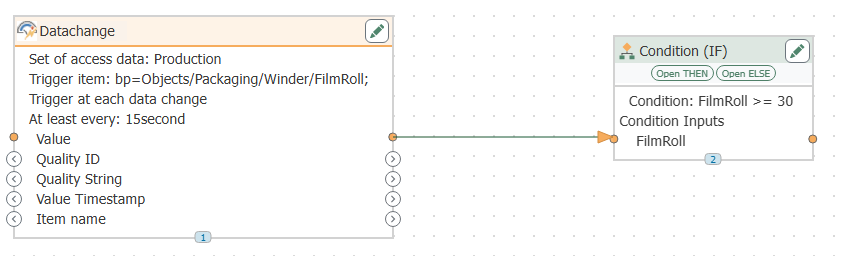
The configuration work is done in the OPC Router configuration interface, which is separate from the running service. You build and edit routes there, then the service executes them. You do not leave a configuration window open on the host for data to keep flowing.
Confirm exact service names, supported Windows versions and installer options against the current product documentation on softwaretoolbox.com before you plan your rollout.
Does OPC Router need a dedicated server?
No. OPC Router does not require hardware reserved for it alone. Where you install it is a sizing and policy decision.
Existing Windows workstation or industrial PC
- Best for: Pilots, single-line projects, edge use
- Trade-off: Patching, reboots and user activity can interrupt data flow
Existing Windows Server shared with other roles
- Best for: Small sites with a managed server already in place
- Trade-off: Resource contention with other applications
Virtual machine
- Best for: Sites with a virtualization platform and IT support
- Trade-off: Needs correct resource allocation and network access to devices
Dedicated physical server
- Best for: High-volume or strict-uptime environments
- Trade-off: Highest cost and maintenance burden
Verdict: OPC Router is best for teams that want to start on hardware they already have and move to a dedicated or virtual host only when load or policy requires it.
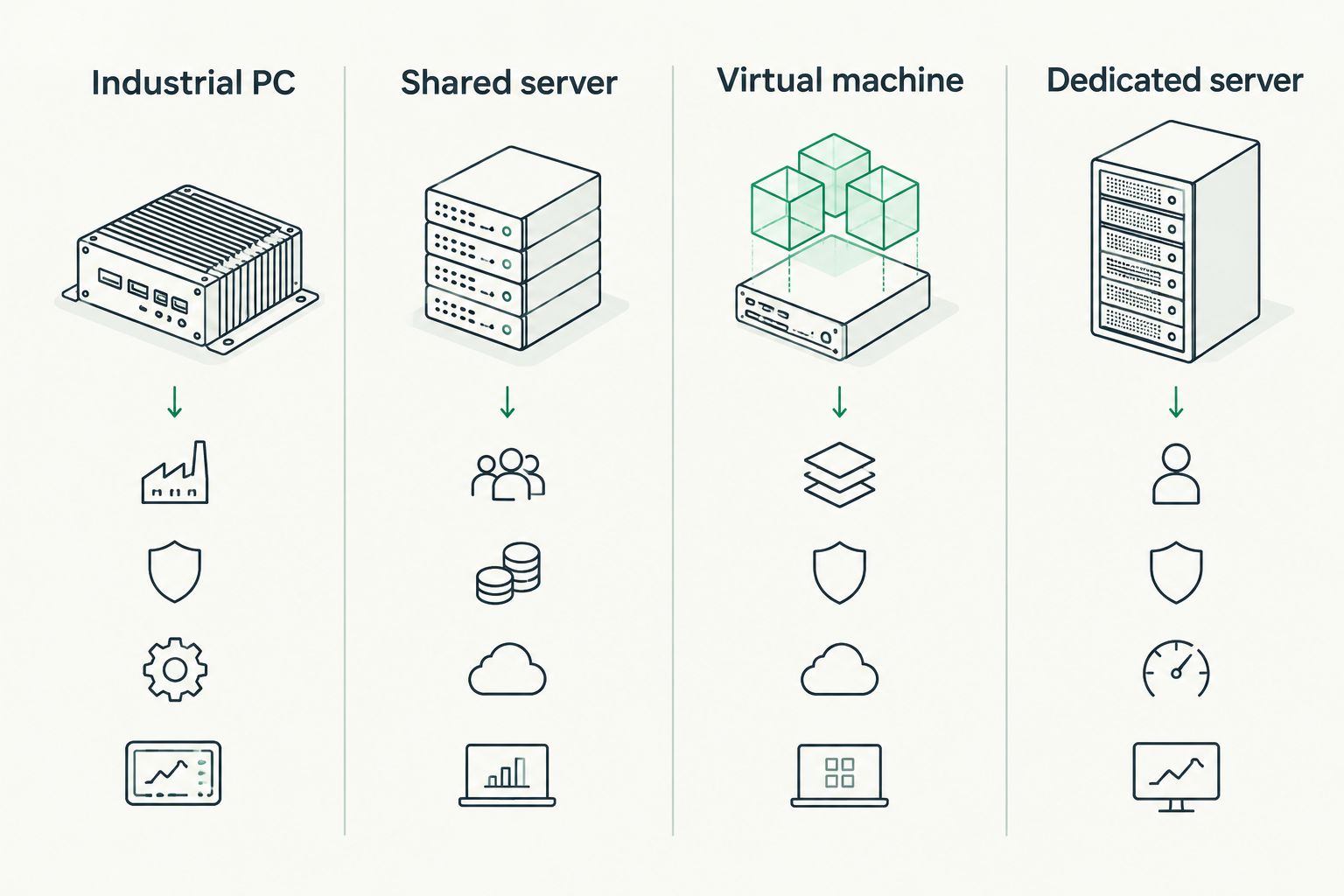
Host choice follows uptime and policy needs, not a product requirement.
Why running OPC Router as a service varies by site
The service model is the same everywhere. What changes is the environment around it. These factors decide whether a shared host is enough in 2026:
- Number of connections. More OPC servers, databases and endpoints mean more load on the host.
- Data volume and update rate. High-frequency tags push CPU and network use.
- Uptime requirements. A line that cannot lose data needs a host with controlled patching and restarts.
- Security policy. Some sites forbid industrial software on general-purpose machines or require a DMZ placement.
- Network placement. The host must reach both the OT-side sources and the IT-side targets.
- Credentials and permissions. The service account needs access to the resources each route touches.
If OPC UA network exposure is your IT team's concern, handle it in the architecture review rather than by adding hardware by default.
What does a service-mode deployment look like?
A typical setup follows these steps:
- Choose the host and confirm it can reach every data source and target.
- Install OPC Router and confirm the service is registered and set to start automatically.
- Assign a dedicated service account with only the permissions the routes need.
- Build and test routes in the configuration interface.
- Reboot the host and confirm the routes resume without anyone logging in.
- Add the service to your monitoring so a stop is caught.
Step 5 is the one most teams skip, and it is the one that proves the service model works in your environment.
Plan your OPC Router deployment
Talk through host sizing and architecture with Software Toolbox.
Can OPC Router run on a virtual machine?
A virtual machine is a common host for service-mode industrial software. The Windows service behaves the same way inside a VM. Allocate resources for peak load, and make sure the VM's network can reach your device networks. Verify supported virtualization platforms in current product documentation.
Should I run OPC Router on the same machine as my OPC server?
You can, and it keeps latency low for local sources. The cost is a shared failure domain: one reboot or patch cycle affects both. For critical lines, separate hosts are easier to maintain. If you are still choosing server software, compare options in the best OPC UA server software guide.
What happens to data when the service stops?
When the service is stopped, routes are not executing, so no data moves through them. Whether data is buffered or lost depends on the source and target systems and how each route is built. Test a deliberate stop in a non-production environment and document the result for your operators.
FAQ
Can OPC Router run as a Windows service?
Yes, OPC Router runs as a Windows service. It starts at boot and keeps running with no user logged in.
Does OPC Router need a dedicated server?
No, it does not require dedicated hardware. Host choice depends on connection count, data volume, uptime needs and your security policy.
Can I run OPC Router on a virtual machine?
Yes, a Windows virtual machine is a common host. Allocate resources for peak load and confirm network access to your data sources and targets.
Do I need to stay logged in for routes to keep running?
No. The service executes routes in the background. You only open the configuration interface to build or change routes.
Where should I install OPC Router in a segmented network?
Place it where it can reach both OT-side sources and IT-side targets. Many sites decide this in an architecture review with IT and security.
How do I know the service is running after a reboot?
Reboot the host, then check the service status and confirm data is flowing on your routes without any user logging in.
One last thing
The most useful test in 2026 is also the cheapest: install OPC Router on a spare Windows host, reboot it, and watch whether your routes resume untouched. If they do, you have your answer for that environment without a hardware purchase. If you are weighing it against other tools, read the best OPC Router alternatives for industrial data integration.