Best OPC DA to OPC UA migration software for retaining an existing DA server: a local DA-to-UA wrapper. Best for replacing legacy device connectivity: a device-driver OPC UA server; best for migration with data transformation: a DA-to-UA integration gateway. This 2026 guide ranks those deployment patterns by what you need to preserve, replace, and secure.
TL;DR
- Choose OPC DA to OPC UA migration software by architecture, not by protocol names alone.
- A local DA-to-UA wrapper fits migrations that must retain an existing OPC DA server.
- A device-driver OPC UA server fits projects that can replace the legacy acquisition layer.
- An integration gateway fits projects requiring data transformation alongside protocol conversion.
- Software Toolbox provides industrial connectivity and DataOps software for plant-to-IT connections.
Why this matters
An OPC UA endpoint does not remove every legacy dependency behind it. If your new interface still reads an OPC DA server, the DA application, its Windows dependencies, and its source-device connections remain part of the production path.
Software Toolbox is a fit for manufacturers evaluating OPC connectivity alongside industrial DataOps. The Software Toolbox portfolio includes TOP Server, Cogent DataHub, N3uron, and OPC Router. Start with the required architecture, then establish which product configuration meets it.
For a 2026 migration, separate the project into 3 acceptance gates: source fidelity, secure connectivity, and recovery behavior. A successful browse operation passes none of those gates by itself.
What makes the best OPC DA to OPC UA migration software?
Use these criteria before comparing software configurations. Each criterion should produce a documented acceptance test, not an unchecked feature-list entry.
- Connection direction: Require an OPC DA client connection toward the legacy server and an OPC UA server interface toward new consumers when wrapping DA. Reverse-direction conversion solves a different problem.
- Data fidelity: Check values, quality, timestamps, data types, arrays, and write behavior against what the consuming application actually uses.
- Security placement: Define where DA remains, where UA begins, and which connection crosses each firewall boundary. Encryption does not replace network segmentation.
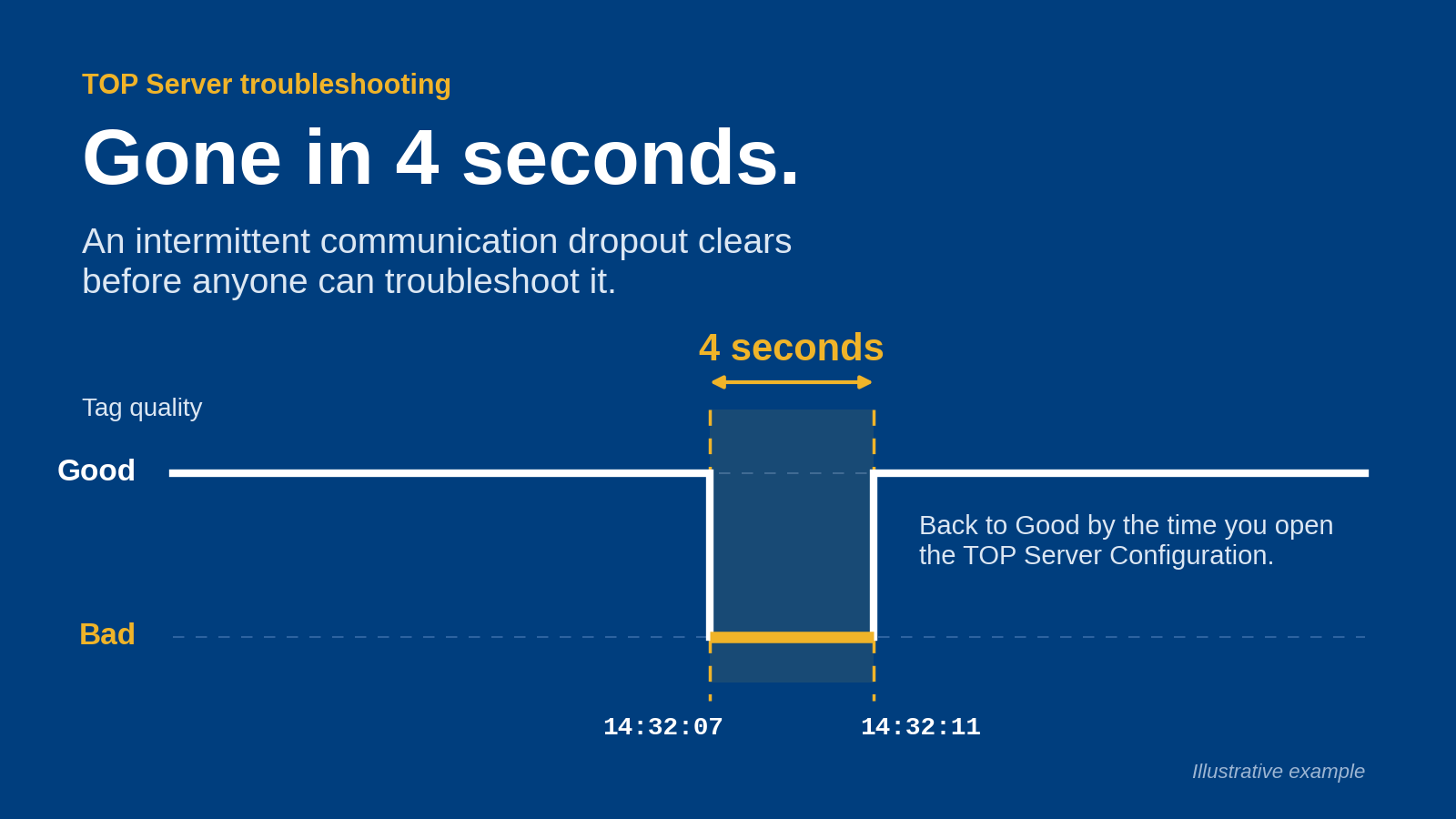
- Recovery behavior: Test server restarts, interrupted connections, certificate rejection, and source-device failures. Require explicit bad or uncertain status rather than apparently healthy stale values.
- Operational ownership: Assign responsibility for certificates, service accounts, configuration backups, diagnostics, and rollback. Include the remaining DA server in that ownership model.
The best fit in 2026 is the configuration that meets these requirements with the fewest unnecessary dependencies. More interfaces do not automatically make a better migration.
Migration software options at a glance
These are software deployment patterns, not interchangeable product specifications. The ranking prioritizes retaining production connectivity before expanding the scope of change.
1. Local DA-to-UA wrapper
- Best for: Retaining a working DA server
- Standout architectural feature: Adds a UA-facing interface without replacing device acquisition
- Key limitation: Keeps the legacy DA dependency
2. Device-driver OPC UA server
- Best for: Retiring the old acquisition layer
- Standout architectural feature: Replaces the DA data path with device-to-UA connectivity
- Key limitation: Requires supported device access and mapping validation
3. DA-to-UA integration gateway
- Best for: Migration with transformation or multiple destinations
- Standout architectural feature: Combines protocol conversion with an integration layer
- Key limitation: Adds configuration and operational scope
Do not treat the table as evidence that a particular product includes every required interface. Specify the source role, destination role, and deployed components before selecting a configuration.
1. Local DA-to-UA wrapper: best for retaining a working DA server
A local DA-to-UA wrapper reads the existing OPC DA server and exposes the selected data through an OPC UA server interface. Place the DA-facing component on the DA host where the application and security design permit it, keeping that DA connection local rather than introducing another remote DCOM path.
Best for: A stable legacy acquisition system whose new consumers require OPC UA, while device connectivity and existing DA clients must remain unchanged.
Local DA-to-UA wrapper pros
- Preserves the existing device-driver configuration and DA item definitions.
- Separates the client-interface change from replacement of the acquisition layer.
- Supports a staged transition in which you validate new UA consumers before retiring old connections.
- Limits the initial change scope when the existing DA system already performs its acquisition role.
Local DA-to-UA wrapper cons
- Retains the legacy server, host dependencies, and associated maintenance obligations.
- Adds another component whose startup, diagnostics, and failure behavior need ownership.
- Does not automatically create a structured information model from flat DA item names.
Deployment guidance
Document 2 interfaces: the DA-facing connection and the UA-facing endpoint. Record the account used for DA access separately from the identities and trust configuration used by UA clients.
For a 2026 wrapper deployment, validate the software in its production service context, not just under an engineer's interactive login. Service-account permissions and application launch behavior belong in the acceptance test.
A wrapper changes how clients obtain data; it does not prove that the source data is correct. Compare the original DA observations with the UA results, including quality and timestamps during a device fault.
Verdict: Buy after validation when retaining the DA server is an explicit requirement; skip when eliminating that dependency is the project objective.
2. Device-driver OPC UA server: best for retiring legacy acquisition
A device-driver OPC UA server obtains data from the underlying devices and exposes it through OPC UA. This pattern replaces the DA acquisition path instead of wrapping its output.
Best for: A migration that includes retiring the legacy DA server and where the required device protocols, addressing, and access permissions can be validated.
Device-driver OPC UA server pros
- Removes the old DA server from the new data path after a completed cutover.
- Creates an opportunity to document device connections and tag mappings explicitly.
- Separates future UA consumption from the retired DA application's configuration.
- Allows you to assess acquisition behavior directly against the source devices.
Device-driver OPC UA server cons
- Requires validation of device protocol support and the exact device configuration.
- Expands the change scope from client connectivity to acquisition behavior.
- Parallel testing can add device communication load and must be approved by operations.
Deployment guidance
Build a mapping between legacy DA items and replacement UA nodes. Include addressing, engineering units, scaling, access rights, and any calculations performed outside the device.
Do not assume matching tag names mean matching values. An old server configuration can contain scaling or derived values that a replacement connection will not reproduce unless you configure them deliberately.
For the 2026 cutover plan, distinguish observation from control. Validate read-only consumers first; introduce write access only after confirming authorization, target addressing, and application behavior.
Verdict: Buy after device and application validation when retiring DA is required; hold when the legacy configuration has not been fully documented.
3. DA-to-UA integration gateway: best for transformation and routing
A DA-to-UA integration gateway retains a DA source while adding an integration layer before downstream consumption. Select this pattern when the migration also requires documented transformations, contextualization, or delivery to additional systems.
Best for: A project where protocol conversion alone cannot satisfy the downstream data contract.
DA-to-UA integration gateway pros
- Provides a defined location for transformations required by consuming applications.
- Separates source item names from the destination data contract.
- Lets you document routing and transformation rules alongside the migration configuration.
DA-to-UA integration gateway cons
- Adds configuration that must be tested independently of the protocol connection.
- Can turn a limited interface migration into a broader integration project.
- Retains the DA source dependency unless a separate acquisition replacement removes it.
Deployment guidance
Write the transformation requirements before configuring the gateway. Specify which values pass through unchanged, which are scaled, and which require additional context.
Separate source status from calculated output status. A transformation must not conceal a failed source connection behind a plausible-looking result.
Software Toolbox's industrial connectivity and DataOps offering is relevant to this broader project scope. Establish the required interfaces and transformations before selecting among Cogent DataHub, N3uron, TOP Server, and OPC Router configurations.
Verdict: Buy after validation when transformation or routing is required; skip the additional integration scope for a straightforward interface-only migration.
Architecture and security: define the boundary first
Use 3 named zones: Plant source, Migration host, and UA consumer. These are logical roles; your approved design determines their physical placement and whether a DMZ component is required.
- Plant source: The device connection or retained DA server supplies the original data.
- Migration host: The selected software performs acquisition, conversion, or integration.
- UA consumer: The receiving application connects to the approved endpoint with the required permissions.
Do not place a component in a DMZ merely because it speaks OPC UA. Define session initiation, allowed destinations, administrative access, and certificate ownership for each actual boundary.
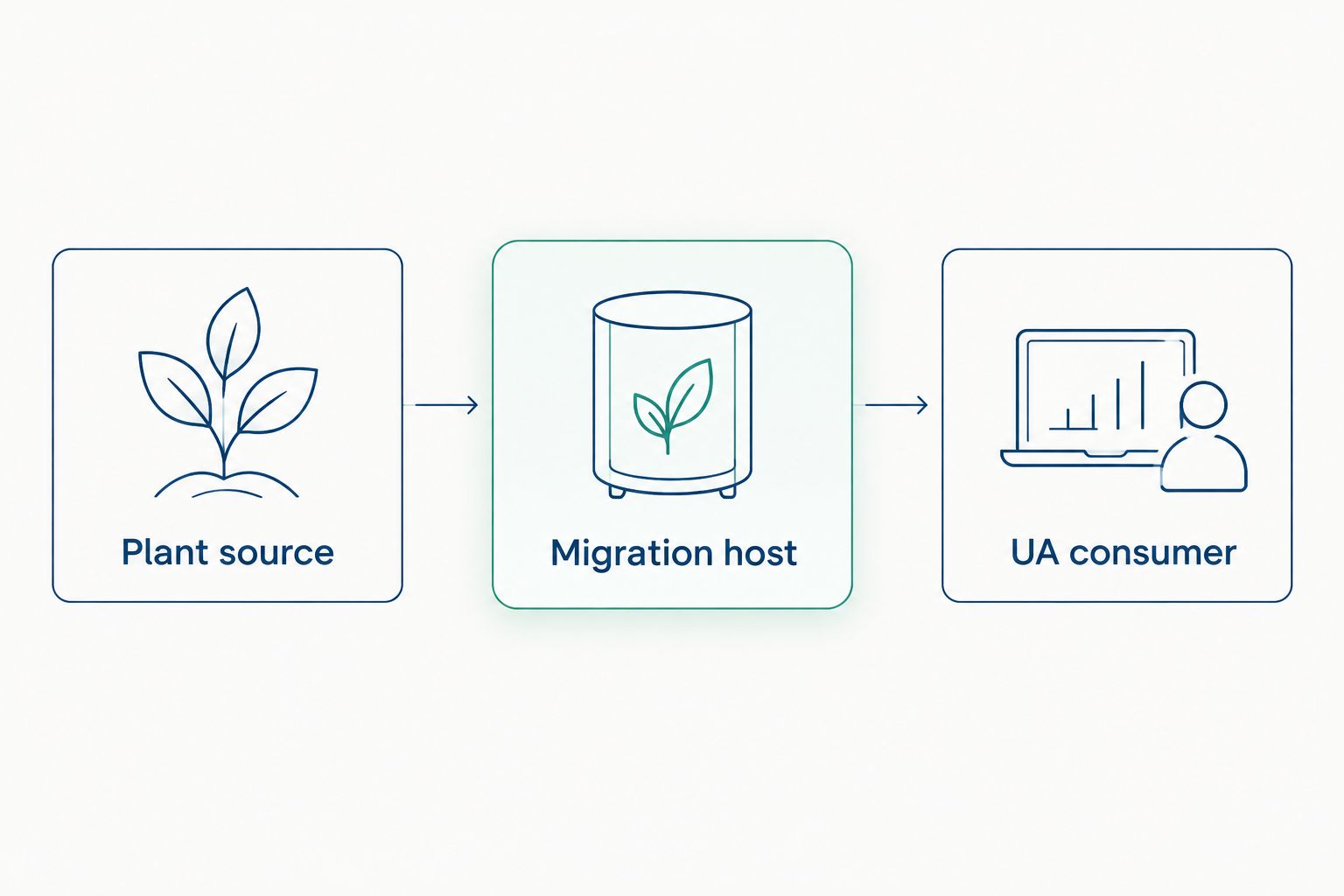
Define the connection and security requirements at each boundary before selecting software.
UA security requires more than accepting a certificate during commissioning. Configure the endpoint security settings and user permissions required by your policy, then test that untrusted or unauthorized clients are rejected.
Maintain a certificate replacement procedure. A deployment that works only until a certificate changes has not passed operational acceptance.
A practical migration acceptance sequence
Use this sequence for your 2026 pilot regardless of the software pattern. Keep the pilot bounded, but include representative failure conditions rather than only easy-to-read tags.
Establish the baseline
Record the source server, consuming applications, active writes, data types, and required update behavior. Identify which applications depend on existing item identifiers and which can accept a new namespace.
Validate data semantics
Compare DA and UA values under normal operation and source-device failure. Include arrays and strings where used, and verify whether timestamps represent source acquisition or a later processing event.
Validate access controls
Test trusted clients, rejected clients, read-only identities, and authorized writers. Confirm that operations personnel can identify a security rejection without weakening endpoint settings to restore connectivity.
Validate recovery
Restart the migration service, interrupt its upstream connection, and reconnect the consumer under an approved test plan. Check status transitions, stale-value handling, subscription recovery, and the visibility of diagnostic events.
Rehearse rollback
Preserve the original configuration and record the exact point at which consumers return to the old path. Do not remove the legacy dependency until the replacement has passed the acceptance criteria and operations has accepted ownership.
Discuss your migration architecture
Define source connections, UA consumers, security boundaries, and deployment requirements.
How the options are ranked
The ranking follows the criteria above: connection direction, data fidelity, security placement, recovery behavior, and operational ownership. A local wrapper ranks first for a retention-led migration because it keeps acquisition replacement outside the initial change scope.
This is an architectural ranking, not a performance benchmark or a direct competitor comparison. A device-driver server becomes the first choice when retiring DA is mandatory; an integration gateway becomes the first choice when transformation is mandatory.
Which migration software should you choose?
Choose a local DA-to-UA wrapper by default only when the existing DA server must remain. Choose a device-driver OPC UA server when removing that server is part of the approved scope, and choose an integration gateway when downstream requirements demand transformation or routing.
For Software Toolbox OPC connectivity projects, make the selection against a written source-to-consumer specification. The decisive question is not whether software lists both protocols, but whether the deployed configuration preserves the required behavior across your security boundaries.
FAQ
What's the best OPC DA to OPC UA migration software for an existing DA server?
A local DA-to-UA wrapper is the best architectural fit when you must retain the existing DA server and expose its data to UA clients. Validate connection direction, data semantics, security, and recovery before selecting the software configuration.
Does converting OPC DA to OPC UA eliminate DCOM?
Wrapping OPC DA does not eliminate the DA server's COM/DCOM dependency. A local DA connection avoids adding a remote DCOM path, while removing the DA dependency requires replacing the acquisition path.
Can I keep existing OPC DA clients during migration?
A staged architecture can retain existing DA clients while new consumers use a UA-facing interface. Validate concurrent access, acquisition load, and write behavior before operating both paths in production.
Will OPC DA item names become the same OPC UA NodeIds?
Do not assume that DA item names become identical UA NodeIds. Validate the resulting namespace and identifiers, then document the mapping used by each consuming application.
Does OPC DA to OPC UA conversion preserve historical data and alarms?
DA-to-UA conversion alone does not establish historical-data or alarm migration. Specify those interfaces separately from current process-data access and validate them against the consuming application's requirements.
Should I replace my DA server instead of wrapping it?
Replace the DA server when eliminating its dependency is an approved project requirement and the new acquisition path supports the devices. Wrap it when retaining a working acquisition layer is the priority.
What should I prepare before discussing migration with Software Toolbox?
Prepare the source server details, device connections, consumer requirements, write requirements, and network boundaries. Include required recovery behavior and identify who owns certificates, service accounts, and production cutover.
One last thing
Test a failed source connection before signing off a successful UA connection. A client displaying a plausible value is not proof of healthy acquisition; the quality, timestamp, and recovery behavior determine whether operators can trust that value.
Make that failure test a release gate for your 2026 deployment. It exposes the distinction between protocol connectivity and usable production data.