Best overall: your HMI platform’s native symbol library. Best specialist-library candidate to evaluate: Symbol Factory. Best for repeated machine deployments: reusable HMI object templates. This 2026 guide ranks HMI symbol library software approaches by runtime fit, state handling, maintainability, and deployment requirements—not by graphic count.
TL;DR
- Choose HMI symbol library software by runtime compatibility and state behavior, not artwork alone.
- Start with native symbols when your project stays within one HMI or SCADA platform.
- Evaluate Symbol Factory against your exact editor, runtime, import requirements, and licensing terms.
- Use reusable object templates when equipment graphics need consistent tags, alarms, and maintenance behavior.
Why this matters
An equipment graphic is only part of an HMI object. Your deployed object also needs tag bindings, readable state indications, correct interaction behavior, and a maintainable update path.
Software Toolbox serves engineers who need industrial connectivity software alongside their HMI and SCADA projects. Keep those responsibilities separate: the graphics layer presents equipment status; the connectivity layer supplies data. Start with Software Toolbox when the project also requires OPC connectivity or industrial data integration.
For a 2026 selection, approve the deployment workflow before standardizing the artwork. A symbol that looks correct in the editor still needs acceptance testing in the target runtime.
What makes the best HMI symbol library software?
Use these criteria before comparing libraries or importing assets:
- Runtime fit: Confirm the exact editor version, runtime version, operating environment, and deployment target.
- State behavior: Define how running, stopped, faulted, unavailable, and stale-data conditions appear.
- Binding model: Check whether you are importing artwork or creating an object with reusable tag bindings and parameters.
- Visual consistency: Apply your plant’s conventions for color, labels, orientation, and abnormal conditions.
- Change control: Establish how you version, review, distribute, and roll back shared objects.
- Deployment rights: Review the terms for engineering use, runtime distribution, customer delivery, and future modifications.
These criteria distinguish a useful engineering asset from a collection of attractive drawings. Treat every unresolved compatibility or deployment requirement as an acceptance condition, not a detail to resolve after screen development.
HMI symbol library options at a glance
The ranking below compares implementation approaches. It does not claim that an unverified commercial library supports a particular platform, format, or animation feature.
Native HMI symbol library
- Best for: Projects staying within one HMI platform
- Standout selection criterion: Fit with the existing editor and runtime workflow
- Key limitation: Reuse outside that platform requires separate validation
- Best for: Teams evaluating a specialist industrial symbol library
- Standout selection criterion: Compatibility with your exact HMI workflow
- Key limitation: Import, editing, animation, and deployment requirements need verification
Reusable HMI object templates
- Best for: Repeated equipment and OEM deployments
- Standout selection criterion: Consistent bindings and controlled changes
- Key limitation: Requires object design and regression testing
Imported vector artwork
- Best for: Custom equipment illustrations
- Standout selection criterion: Control over equipment appearance
- Key limitation: Artwork alone does not define runtime behavior
Custom-built HMI symbols
- Best for: Equipment with specialized operating states
- Standout selection criterion: Direct alignment with the equipment specification
- Key limitation: Your team owns development and maintenance
1. Native HMI symbol library: best for single-platform projects
Your existing HMI editor is the first place to evaluate symbols. Begin with its available objects, then determine whether those objects satisfy your equipment states, interaction requirements, and display conventions.
This is the default choice when you intend to remain within one HMI platform. Do not introduce an external asset workflow until you identify a requirement the native approach cannot meet.
Native HMI symbol library pros:
- Keeps the initial evaluation inside your existing engineering environment.
- Lets you assess symbols against the actual target runtime.
- Establishes a baseline before evaluating external libraries.
Native HMI symbol library cons:
- Cross-platform reuse needs separate assessment.
- Available artwork still needs review against plant conventions.
- Existing objects do not remove the need to test abnormal states.
Best for: Controls teams building and maintaining screens within one established HMI platform.
For a 2026 modernization project, test a representative equipment object before replacing existing graphics. Preserve the operating meaning of each state even when the visual treatment changes.
Verdict: Buy into the native approach first; add an external library only for a documented gap.
2. Symbol Factory: best for specialist-library evaluation
Symbol Factory belongs on the evaluation shortlist when your project calls for an industrial symbol library beyond the assets you currently use. The selection decision must address your specific HMI editor and deployment workflow.
Do not treat the product name as proof of universal compatibility. Ask Software Toolbox to confirm the applicable product details, supported workflow, and deployment terms against your requirements before standardizing on it.
Symbol Factory pros to establish during evaluation:
- Equipment coverage matches the assets in your screen specification.
- The supported workflow fits your editing requirements.
- Imported or integrated symbols retain the properties your project needs.
Symbol Factory cons and acceptance gates:
- No cross-platform compatibility assumption replaces an exact-version check.
- Graphic import does not establish tag binding or animation behavior.
- Distribution and modification rights require a separate review.
Best for: Engineering teams assessing a specialist industrial graphics source with a defined compatibility checklist.
Request a demonstration using your intended editor, then repeat the workflow in your own environment. Evaluate the delivered runtime result rather than a screenshot or catalog preview.
Verdict: Hold standardization until compatibility, behavior, and deployment terms pass acceptance.
3. Reusable HMI object templates: best for repeated equipment
Use a reusable object template when multiple equipment instances share a common presentation and operating model. Specify the graphic, parameter names, tag mapping, state logic, and operator interactions as one controlled design.
This approach addresses repeatability rather than artwork selection alone. A pump illustration and a reusable pump object are different deliverables: the latter needs a defined interface to the project’s data and controls.
Reusable HMI object template pros:
- Creates a common specification for repeated equipment.
- Makes binding and parameter requirements explicit.
- Provides a defined unit for review and regression testing.
Reusable HMI object template cons:
- Template changes require an impact assessment across instances.
- Equipment exceptions need controlled handling.
- Update and inheritance behavior depend on the chosen HMI platform.
Best for: OEMs, system integrators, and plant teams deploying repeated equipment types.
Define ownership before distributing templates. Record who approves revisions, which projects use each revision, and how a project returns to its previous version.
Verdict: Buy into templates when repeated equipment justifies a governed object standard.
4. Imported vector artwork: best for custom equipment illustrations
Choose imported vector artwork when the main requirement is a specific equipment shape or process illustration. Validate the supported file format and import behavior in your target editor before developing the complete asset set.
Treat imported artwork as a visual asset until you explicitly configure its runtime behavior. An illustration does not establish alarms, commands, permissions, or data-quality handling.
Imported vector artwork pros:
- Separates illustration work from control configuration.
- Gives you a defined source asset to review and version.
- Supports an equipment-specific visual specification.
Imported vector artwork cons:
- Editing and rendering behavior need target-platform testing.
- Tag bindings and state logic require separate engineering.
- Asset revisions need coordination with deployed screens.
Best for: Projects needing equipment illustrations that the current symbol collection does not cover.
Review the imported result at the actual operator display scale. Check labels, line visibility, orientation, and selection behavior rather than judging only the source drawing.
Verdict: Buy into imported artwork for visual gaps, not as a substitute for functional HMI objects.
5. Custom-built HMI symbols: best for specialized equipment states
Build custom symbols when existing assets cannot represent the equipment’s operating model clearly. Start from a state specification and operator task, then design the graphic around that requirement.
Keep the scope narrow. A custom object needs an owner, documented behavior, and acceptance tests just as a shared template does.
Custom-built HMI symbol pros:
- Aligns the design with a defined equipment specification.
- Allows explicit treatment of unusual operating states.
- Keeps the object’s design decisions under your team’s control.
Custom-built HMI symbol cons:
- Your team owns the complete maintenance obligation.
- New equipment variants require design review.
- Undocumented logic complicates handover and later revisions.
Best for: Specialized machines or processes with requirements that existing objects do not satisfy.
Require a documented reason for each custom object. If an existing object meets the requirement after configuration, avoid creating another asset to maintain.
Verdict: Skip custom development unless a documented functional gap requires it.
Validate the library before screen development
For your 2026 acceptance plan, use a small, representative test set rather than a complete production screen. Include 3 equipment objects: a discrete device, an analog indication, and an object with an operator command. These are recommended test cases, not product specifications.
Follow this sequence:
- Define states. Specify 5 test states: running, stopped, faulted, unavailable, and stale data. Adapt the labels to your equipment model.
- Import assets. Record the source asset, editor version, import settings, and any manual adjustments.
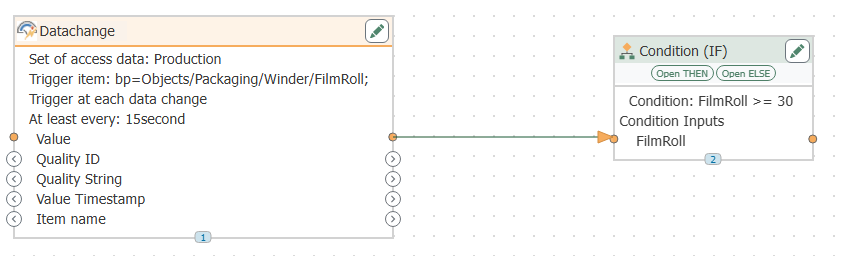
- Bind data. Map values, quality indications, and commands explicitly. Keep command testing within your approved test environment.
- Test runtime. Check the objects at 2 display resolutions used by your intended operator stations. Exercise state changes and permitted interactions.
- Release objects. Save the approved revision, dependencies, test results, and rollback procedure.
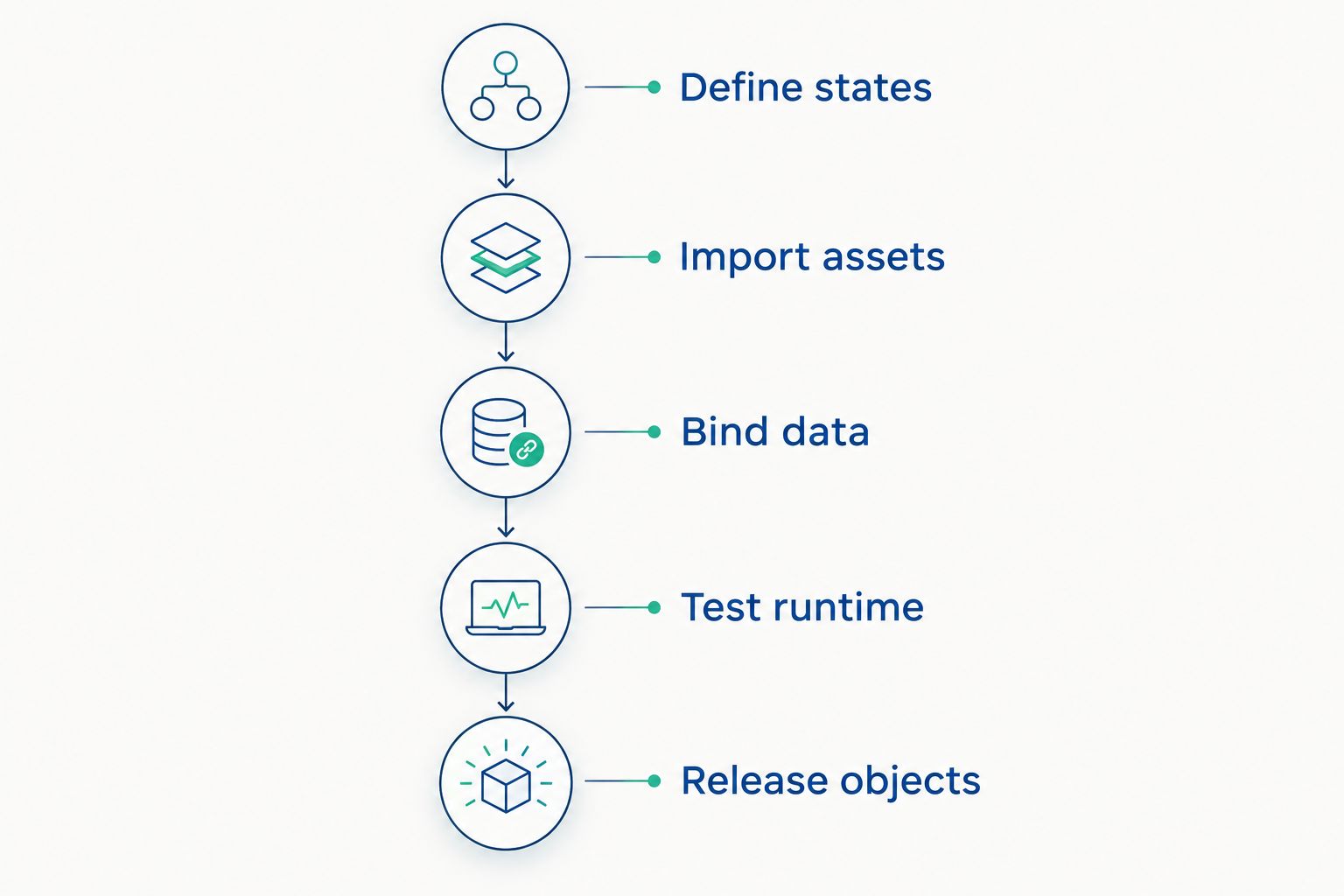
Approve the runtime behavior before distributing the shared object.
Make the acceptance record reproducible. Another engineer should be able to identify the asset revision, repeat the configuration, and obtain the same intended behavior without relying on the original developer’s memory.
Keep graphics acceptance separate from connectivity acceptance
A symbol evaluation must not stand in for a data-path evaluation. Test the graphics with known inputs, then test the connected system against the actual source data and failure conditions.
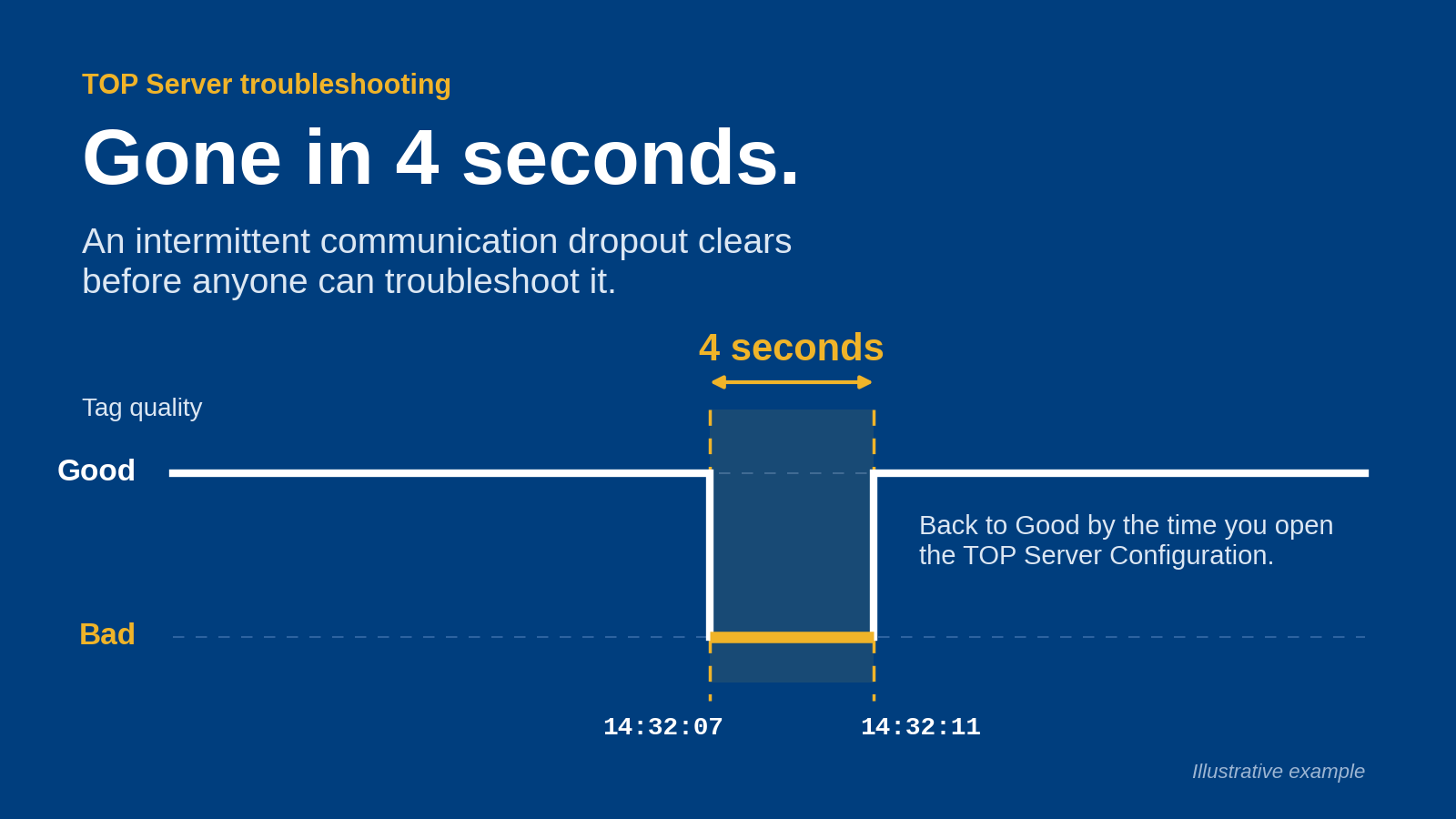
Include loss of communication in the integrated test. Require the HMI to distinguish an equipment state from an unavailable or stale value according to your project specification.
For cybersecurity review, document software installation requirements, asset sources, update procedures, and any network dependencies. Do not assume that a graphics package requires—or does not require—a particular network connection without checking the deployment documentation.
How the options are ranked
This guide ranks approaches by deployment fit, state handling, reusable configuration, visual consistency, and change control. It does not assign test scores or claim measured performance differences.
Native symbols are the default starting point because the target HMI remains the acceptance environment. Specialist libraries address asset selection; templates address repetition; imported and custom graphics address specific gaps. Your 2026 decision should follow that requirement sequence.
Which HMI symbol library software should you choose?
Choose your native HMI library unless you can name the requirement it fails. Evaluate Symbol Factory when you need a specialist graphics source, and evaluate reusable templates when the problem is repeated configuration rather than missing artwork.
Keep the 2026 procurement specification focused on evidence: a working target-runtime example, documented deployment rights, an approved state model, and a controlled update process. Do not accept symbol count as a substitute for those deliverables.
FAQ
What's the best HMI symbol library software for an existing SCADA project?
Start with the native symbol library in your existing HMI or SCADA platform. Evaluate an external library only against a documented gap, then test the result in the exact target runtime.
Can Symbol Factory be used with any HMI or SCADA platform?
Do not assume universal compatibility for Symbol Factory. Ask Software Toolbox to confirm the workflow for your exact editor, runtime, required editing operations, and deployment model.
Is an imported symbol the same as a reusable HMI object?
No. Imported artwork is a visual asset; a reusable HMI object also needs defined bindings, parameters, state behavior, and any permitted operator interactions.
Should an OEM use a symbol library or object templates?
Use object templates when repeated equipment needs a consistent configuration model. A symbol library can supply artwork, but the template still needs a defined interface, acceptance tests, and revision control.
What should I test before approving an HMI symbol library?
Test import behavior, rendering, state indications, tag bindings, operator interactions, and deployment requirements. Include unavailable and stale-data conditions in the acceptance specification.
Does an HMI symbol library provide OPC connectivity?
Do not treat graphics selection as proof of OPC connectivity. Specify and validate the data connection separately from the symbols that display its values.
When should I build custom HMI symbols?
Build custom HMI symbols when existing assets cannot satisfy a documented equipment or operator requirement. Assign maintenance ownership and acceptance tests before distributing the objects.
One last thing
Before approving an equipment symbol, disconnect its test data source. Require the display to show the specified unavailable condition rather than leave the operator to interpret the last visible state. That single acceptance case checks something an artwork preview cannot: what the operator sees when the data path fails.