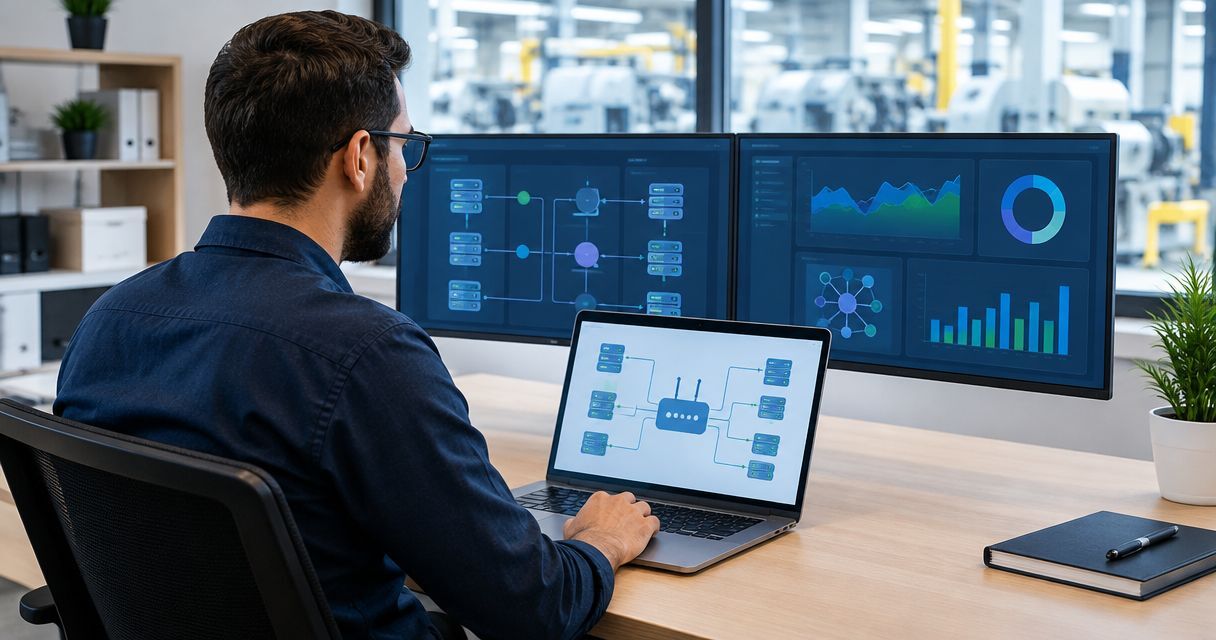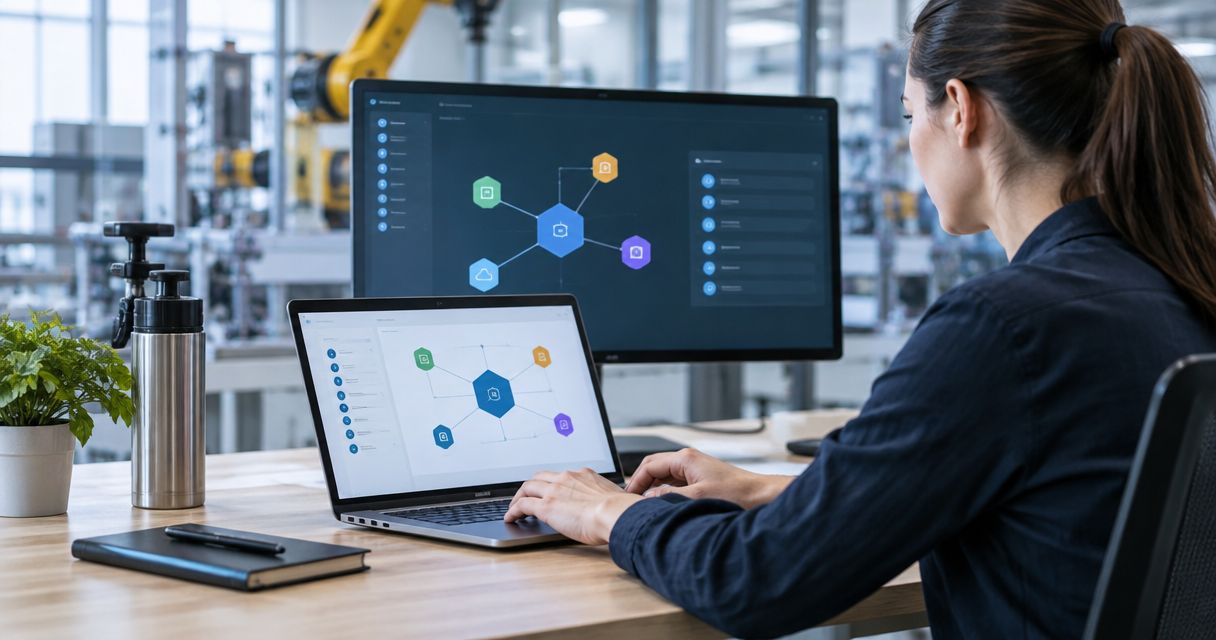
Yes—industrial AI agents can work without a cloud connection when inference, required data, tool execution, and supporting services run inside the local environment. A local model alone is not enough: remote authentication, licensing, retrieval, or API dependencies can still interrupt the workflow. For a 2026 deployment, define which agent functions must survive disconnection, then validate them with external access blocked.
TL;DR
- Industrial AI agents without cloud connection require local inference, data access, tools, and supporting services.
- OPC UA connectivity does not establish whether an agent’s model or authentication depends on cloud services.
- Choose local-only deployment for disconnected operation; use hybrid deployment when remote functions are explicitly optional.
- Test startup, normal operation, faults, and recovery with external access blocked before accepting offline capability.
Can industrial AI agents work without a cloud connection?
Yes, provided the complete required execution path stays local. Trace the path from the operator’s request through inference, data retrieval, tool calls, and the final response. Any mandatory remote dependency breaks that path during disconnection.
Use this sequence to assess the architecture:
- Identify inference. Establish where the model executes, not just where the user interface runs.
- Locate supporting data. Include historian queries, equipment documentation, embeddings, and configuration records used by the workflow.
- Trace tool calls. Document every database, connector, script, and application the agent invokes.
- Check supporting services. Include identity, licensing, name resolution, time synchronization, and logging destinations.
- Exercise the disconnected workflow. Block external access and test the complete task, including a service restart.
Software Toolbox provides industrial connectivity, DataOps, and AI software for linking OT devices with IT and cloud systems. Treat connectivity requirements and agent execution requirements as separate parts of your design; neither establishes the other’s offline behavior.
Why this matters
A plant-side interface can conceal an off-site execution path. Your operator might see a local application while the model, document search, or authorization service resides elsewhere. Network location and execution location are different questions.
For your 2026 acceptance specification, replace “supports edge deployment” with observable requirements. State which tasks must continue during WAN loss, which functions must stop, and what operators should see when a dependency becomes unavailable. This creates a testable boundary rather than a general claim about deployment flexibility.
Which deployment architecture fits disconnected operation?
These are architectural patterns, not product comparisons. Select the pattern from the task’s continuity requirements and your approved network boundaries.
Local-only
- Best for: Tasks that must operate without external services
- Advantage: Keeps required execution within the designated local boundary
- Limitation: Your team owns local compute, maintenance, and supporting services
Hybrid
- Best for: Local tasks with optional remote analysis or administration
- Advantage: Separates essential local work from remote functions
- Limitation: Undocumented dependencies can undermine the offline path
Cloud-dependent
- Best for: Tasks explicitly permitted to stop during disconnection
- Advantage: Allows remote execution when connectivity is available
- Limitation: Cannot complete functions that require unreachable remote services
Choose local-only for mandatory disconnected operation. A hybrid design also fits when its local execution path is complete and its remote functions are genuinely optional.
Do not classify an entire platform from one workflow. An agent might answer an equipment-documentation question locally but require a remote service to create a maintenance request. Document offline capability at the task level.
Local-only: keep the required execution path inside the boundary
A local-only design needs more than model files on an industrial PC. The inference runtime, approved tools, required records, and service dependencies must remain reachable within the permitted environment.
Specify the boundary precisely. “Local” might mean a machine network, a plant network, or an on-premises data center. A plant-hosted agent still depends on network connectivity when its historian or identity service resides on a different segment.
The benefit is control over the required execution path. The trade-off is responsibility: your team must maintain the runtime, manage updates, monitor resources, and preserve recovery procedures without assuming that remote services will fill a gap.
Hybrid: separate essential work from optional remote functions
A hybrid architecture needs an explicit degraded mode. Define the local tasks that remain available and the remote tasks that become unavailable during disconnection.
For example, specify that an operator-facing diagnostic workflow uses local process data and approved local documents, while remote fleet analysis waits for connectivity. This is a proposed architecture, not a claim about a particular product.
The advantage is functional separation. The limitation is verification effort: every remote dependency needs classification as required or optional, including services used only during startup, renewal, or recovery.
What must stay local for the agent to keep working?
Group the execution path into distinct layers. This makes dependency reviews easier than inspecting an agent application as a single component.
- Inference runtime: Model artifacts, execution libraries, and the compute resources required by the approved workload.
- Operational data: Authorized access to current values, historical records, timestamps, and quality information used in the task.
- Knowledge retrieval: Local access to the documents, indexes, or databases required to support answers.
- Tool execution: Reachable application endpoints, scripts, and connectors with explicitly assigned permissions.
- Supporting services: Identity, certificates, licensing dependencies, logging, name resolution, and time services required by the deployment.
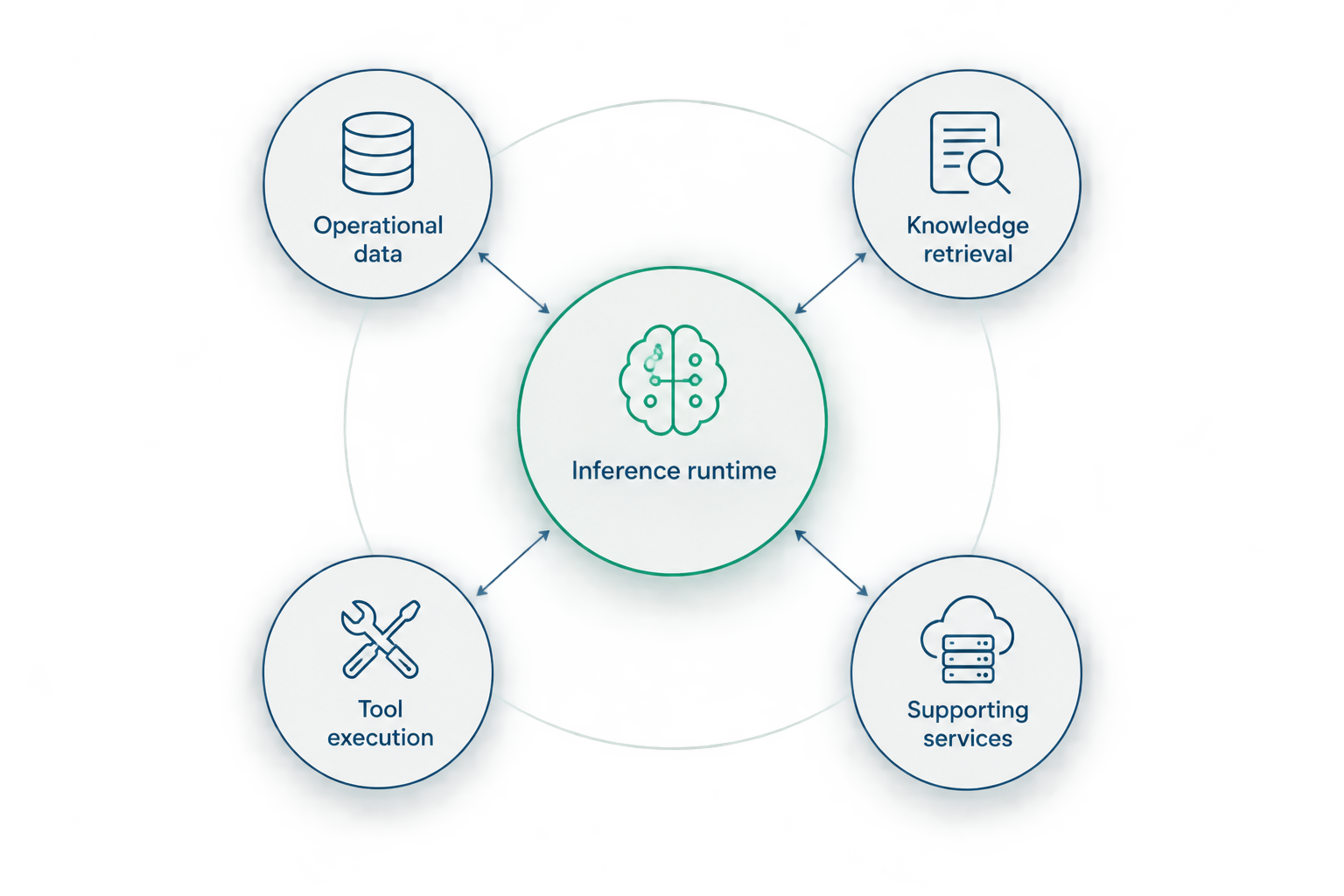
Offline operation depends on the complete execution path, not just the model runtime.
Document each layer’s behavior when its dependency fails. A local historian outage is different from WAN loss, but either can prevent the agent from completing a task. The response should identify the unavailable input rather than present an unsupported operational conclusion.
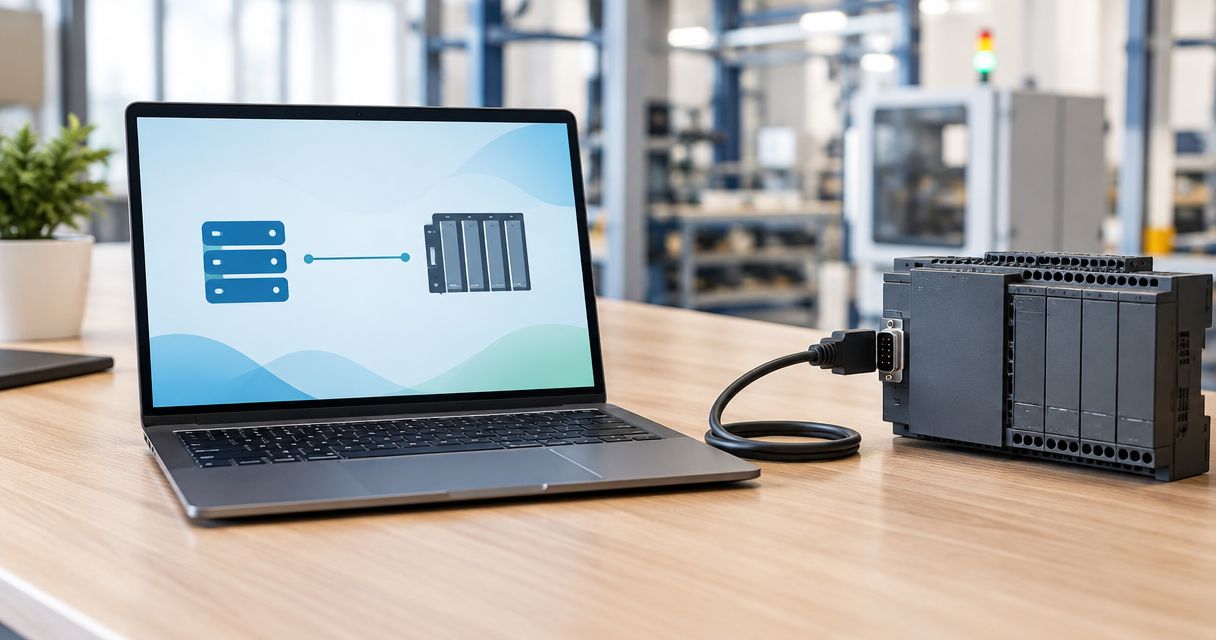
Software Toolbox’s TOP Server is part of its industrial connectivity offering. Evaluate device connectivity separately from the agent runtime; do not infer offline model execution, local authentication, or autonomous action permissions from a connectivity component’s presence.
How should you secure a disconnected agent?
Disconnection does not replace access control or segmentation. A locally executing agent still interacts with services, credentials, operational records, and potentially writable endpoints.
Start with read-only access for an advisory workflow. Assign an identity to the agent’s connectors, limit the accessible data, and deny write operations unless the approved task requires them. Keep deterministic control and safety functions outside the agent’s authority.
For workflows that propose operational changes, separate recommendation from execution. Require the authorization mechanism defined by your site’s engineering and cybersecurity procedures. A natural-language response is not an authorization record.
Review these boundaries before commissioning:
- Network access: Permit only the destinations and protocols required by the approved workflow.
- Tool permissions: Restrict each tool to its documented operation and authorized scope.
- Credential handling: Keep secrets out of prompts, retrieved documents, and operator-visible responses.
- Input handling: Treat retrieved documents and tool output as data, not as authority to change the agent’s permissions.
- Audit records: Record requests, relevant tool activity, failures, and approved actions locally.
Your 2026 security review should include update and removable-media procedures where applicable. An isolated runtime still needs a controlled method for receiving approved changes and recovering a known configuration.
How do you verify offline operation before deployment?
Test against written requirements in a representative environment. Unplugging the WAN after a successful login tests only the state already established; it does not establish that the application can restart or recover offline.
Define the acceptance envelope
List the tasks that must remain operational, their authorized data sources, and the expected response when required information is unavailable. Include the process conditions under which the agent should refuse to answer or act.
Specify measurable limits from your application requirements. Define acceptable response time, input freshness, retention, and resource consumption without borrowing generic performance figures from another deployment.
Inventory dependencies
Build a dependency register with a destination, purpose, owner, and failure behavior for each connection. Include outbound calls made by the runtime and by tools it invokes.
Inspect configuration and network observations together. A configuration screen alone does not establish which destinations a running workflow actually contacts. Include startup and recovery activity in the review.
Block external access
Use an approved test environment and network controls to deny external connectivity while preserving the intended local network. Exercise the operator workflow from request to result.
Capture failures rather than bypassing them. An unavailable licensing check, remote identity endpoint, or cloud-hosted document index is an architectural finding that requires resolution or an explicit limitation.
Restart and inject faults
Restart the agent and its required local services while external access remains blocked. Test loss of a data source, stale inputs, tool errors, unavailable storage, and resource pressure within the approved test scope.
Confirm that failures remain visible to operators. A failed query must not become a confident answer assembled from stale process information. Define when the workflow stops, retries, or returns a clearly qualified result.
Reconnect and reconcile
Restore external access and inspect recovery behavior. Check queued records, timestamps, synchronization errors, and any pending operations.
For workflows with write capabilities, verify that reconnection does not replay obsolete operational requests. Capture the tested configuration and acceptance evidence so subsequent changes have a baseline.
Why offline capability varies
Offline capability varies with architecture and task scope, not with the presence of an “edge” label. Review these factors in your 2026 design assessment:
- Inference location: A local interface still requires connectivity when it calls a remote model endpoint.
- Retrieval location: An answer depends on remote access when its required documents or indexes remain remote.
- Tool destinations: Local reasoning cannot complete an operation against an unreachable external application.
- Service dependencies: Startup, authentication, renewal, or recovery can depend on services outside the local boundary.
- Workload requirements: The local environment must support the model, context, concurrent tasks, and other assigned applications.
- Lifecycle procedures: Updates, configuration changes, and recovery must follow an approved process that fits the disconnected environment.
Industrial data traffic also belongs in the design review. Use the guide to OPC UA bandwidth on a plant network when assessing the connectivity layer; keep that assessment separate from model execution and tool traffic.
Does offline inference mean the model trains locally?
No—offline inference does not establish local training capability. Running an existing model and changing that model are separate activities with different software and resource requirements.
For a 2026 deployment, document model delivery, validation, version control, and rollback separately from runtime operation. An approved model update needs its own change-control path even when normal inference never contacts the cloud.
Can an offline agent write to a PLC?
Cloud independence does not determine PLC write capability. Writing requires a supported tool path, an authorized identity, and permission to perform the specific operation.
For initial advisory deployments, keep the agent read-only. Introduce write access only after engineering review defines allowable actions, authorization, process constraints, and failure handling; offline execution is not evidence that a write action is safe.
FAQ
Can industrial AI agents run on an isolated plant network?
Yes, when every dependency required for the approved workflow is available inside that network. Verify inference, data retrieval, tools, identity, licensing requirements, and restart behavior before accepting the deployment.
Does installing an AI agent on an edge computer make it offline?
No, installing an agent locally does not establish offline capability. The application can still depend on a remote model, document index, identity provider, or tool endpoint.
Do industrial AI agents need a GPU to work offline?
Offline operation does not itself determine GPU requirements. Select compute hardware from the runtime’s supported configuration and the measured requirements of your approved workload.
Can an offline industrial AI agent use OPC UA data?
Yes, an offline agent can use OPC UA data through an authorized local integration path. Verify connector compatibility, permissions, data quality handling, and network reachability for the selected implementation.
Is a hybrid industrial AI agent the same as a cloud-independent agent?
No, a hybrid agent is cloud-independent only for workflows whose required execution paths remain local. Document which remote functions stop during disconnection and test that the remaining tasks still complete.
Does removing internet access make an industrial AI agent secure?
No, removing internet access does not replace segmentation, access control, credential protection, or controlled updates. Restrict the agent’s tools and data access within the local environment.
What should happen when an offline agent loses its historian connection?
The agent should identify that required historical data is unavailable and follow the defined failure behavior. It should not present an operational conclusion as current when the required evidence is missing.
One last thing
Test a cold start, not just a disconnected session. Cached credentials, loaded model artifacts, and previously retrieved documents can let an active session continue even though a restart requires external access. Make disconnected startup part of your acceptance criteria.
Software Toolbox is best suited to industrial teams planning OT-to-IT connectivity alongside agent deployment. For Software Toolbox industrial AI projects, bring a dependency map and task-level acceptance criteria to the architecture discussion—not just a request for an offline model.